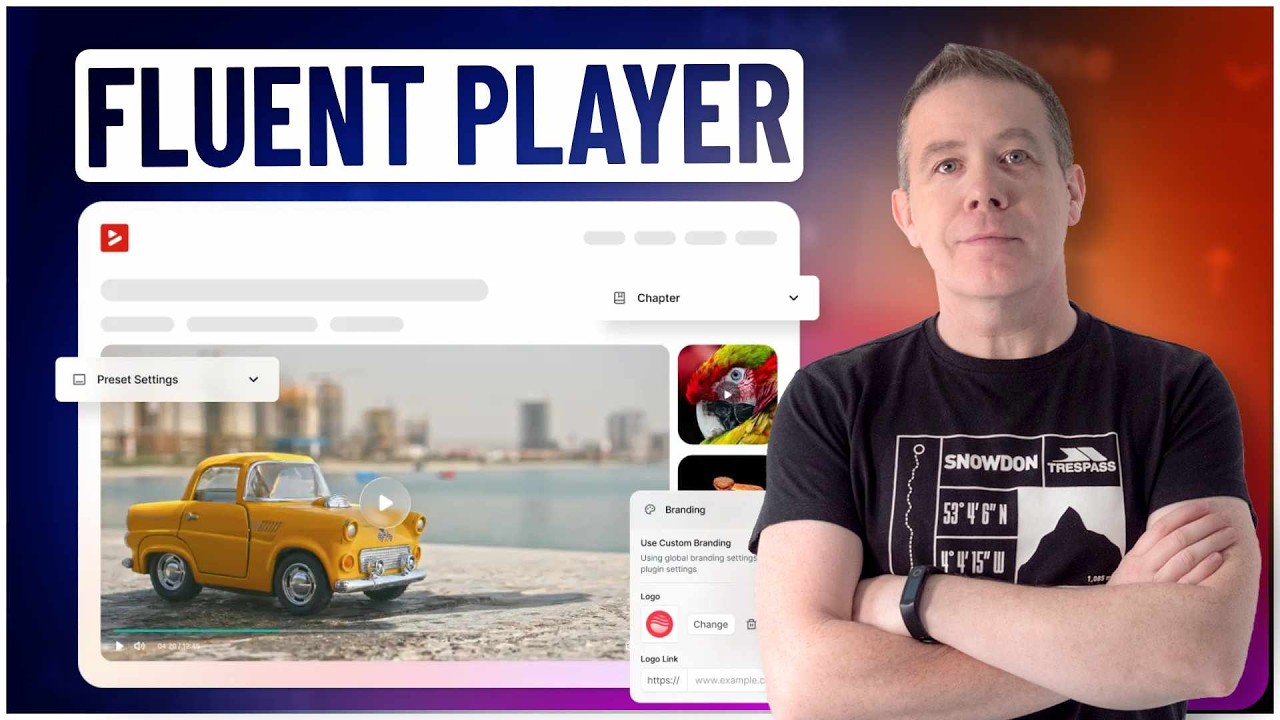
FluentPlayer Test

If you click on the little book icon (to the left of the full screen icon), it will display the chapter list (I created three chapters, so you can skip directly to settings, overlays, interactive layers for example)

I added a Logo in the top right.

The title of the video can also be added as an overlay at the top of the video
Play Pause
Unmute Mute
Backward 10s Play Pause Forward 10s
Settings Playback Accessibility
Announcements
Keyboard Animations
Chapters Enter PiP Exit PiP Enter Fullscreen Exit Fullscreen
Fluent Player Pro Walkthrough: Chapters, Overlays, CTAs, Forms & Ads Inside Your Videos

Save video, but with transparent control bar

Play Pause
Backward 10s Play Pause Forward 10s Unmute Mute
/
Speed Enter PiP Exit PiP Enter Fullscreen Exit Fullscreen
Fluent Player Pro Walkthrough: Chapters, Overlays, CTAs, Forms & Ads Inside Your Videos

Shopping Cart
  • Your cart is empty.
Scroll to Top